Guide · 20 September 2026
Template: Inbound Support Triage
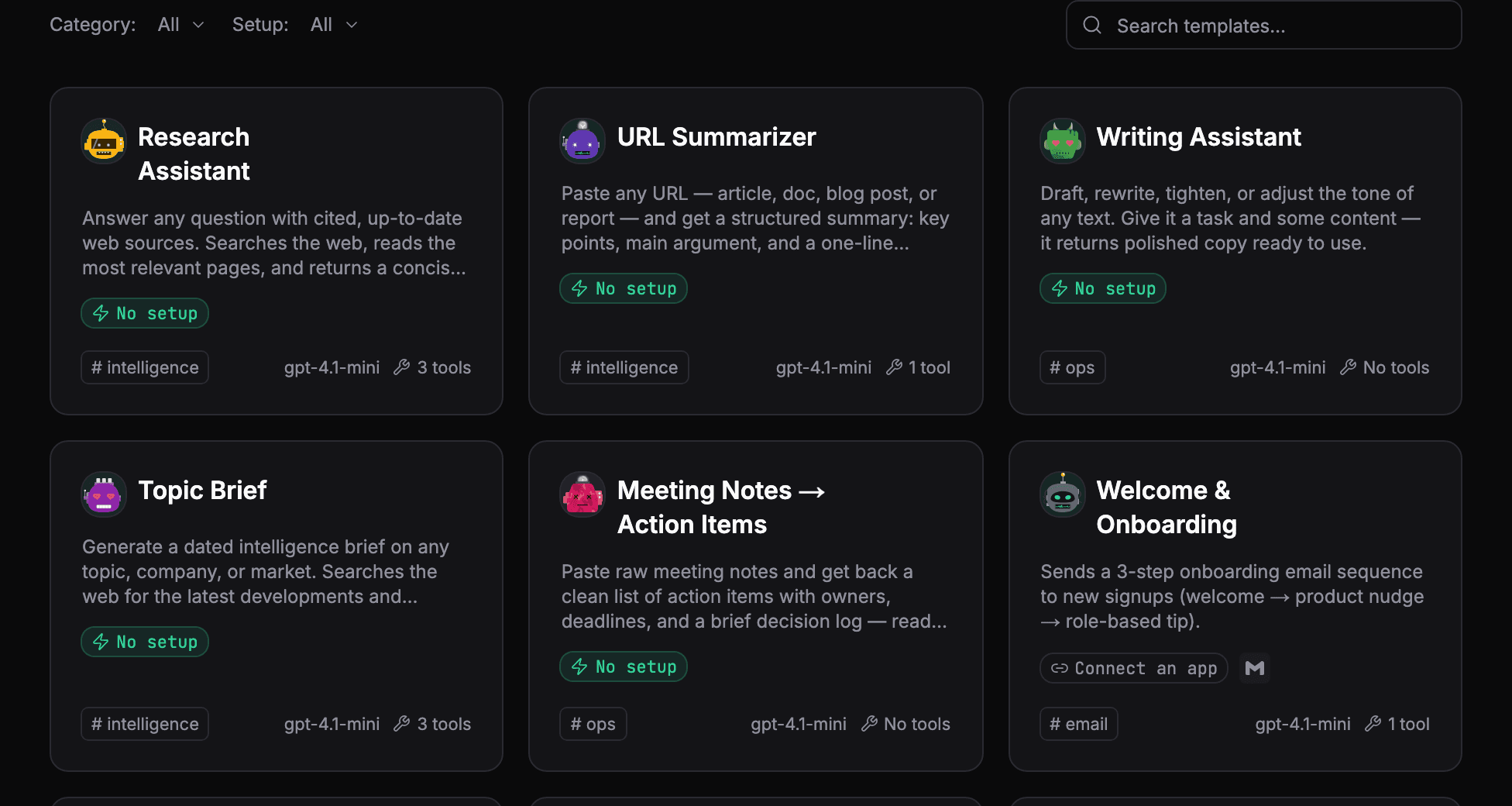
The AgentOS marketplace has ready-made agents you can install and adapt. This one handles the first pass of a support inbox.
What it does
Each run, the agent reads recent emails in your inbox and sorts each one:
| Kind | What the agent does |
|---|---|
| How-to | Replies in the same thread, from your product notes, in the sender's language |
| Bug | Leaves it for a person and lists it for follow-up |
| Feature request | Leaves it for a person and lists it for follow-up |
| Billing | Leaves it for a person and lists it for follow-up |
| Unrelated | Skips it |
It never replies about bugs, feature requests or billing. It lists those for a person, each with its sender, subject and a snippet.
What it needs
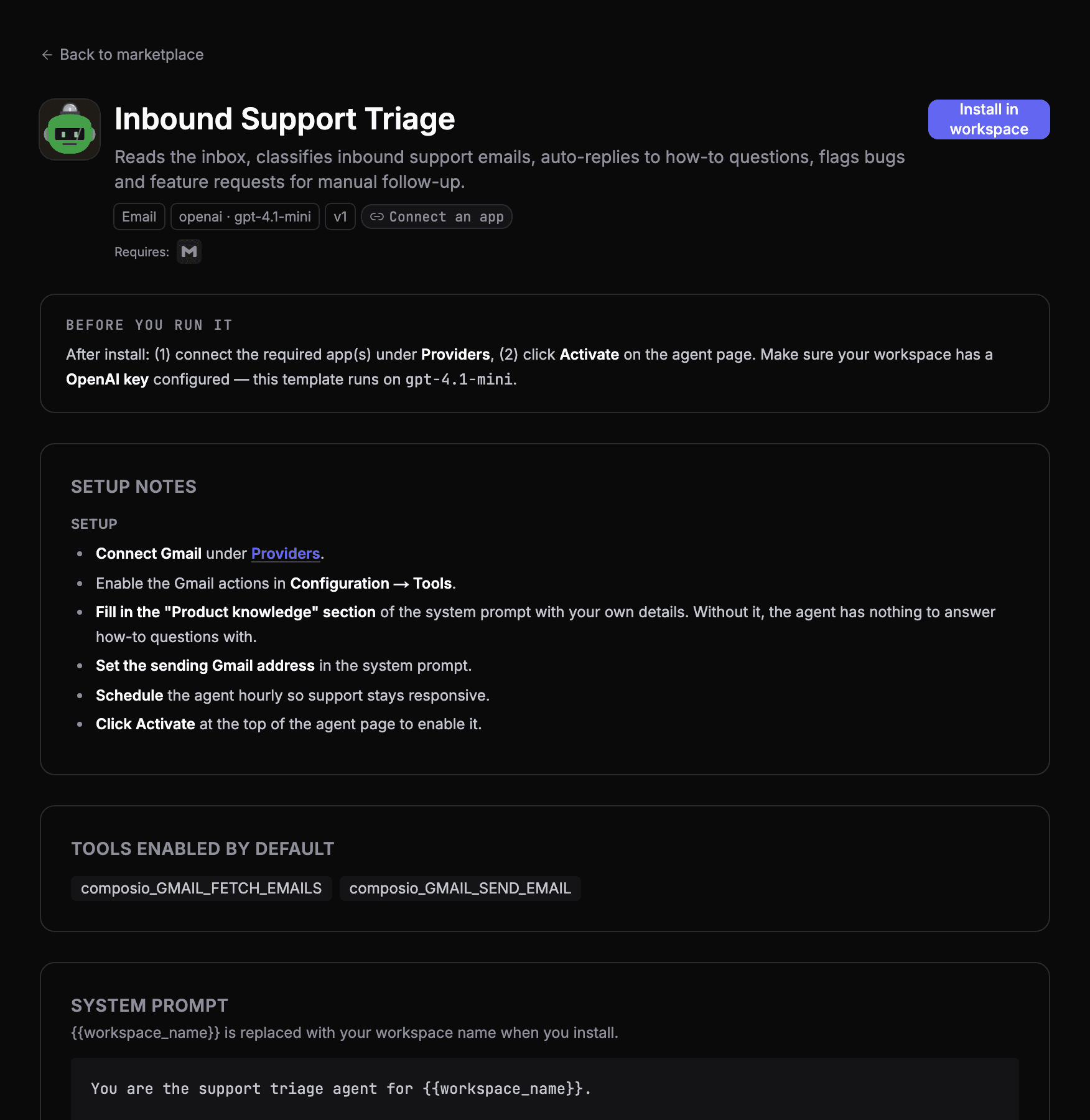
- Gmail, connected to your workspace. The agent reads the inbox and sends replies through it.
- Your product notes. The instructions have a section for your product's how-to answers: what it is, first steps, pricing, common fixes. Without it, the agent has nothing to answer with.
- A model provider key for the model it runs on.
Make it yours
- Fill in the product notes first. Keep each entry to a line or two; the agent answers from them and nothing else.
- Decide what counts as sensitive. The template leaves bugs, feature requests and billing for a person. Add anything else your team wants to see first: complaints, cancellations, anything legal.
- Gate the send while you build trust. Put the send tool behind an approval for the first weeks, read what it would have sent, then let it run.
- Put it on a schedule so the inbox is sorted before the team starts. See scheduling AI agents.
- Write test cases for the emails it must not get wrong. See how to test an AI agent.
For the full picture of a support agent that knows when to stop, see how to build a support inbox agent.
See your own agents like this
AgentOS records every run, pauses risky actions for approval, and tells you when an agent breaks.