Case study · 27 September 2026
Every post on our LinkedIn page is drafted by an agent and approved by a person
Our LinkedIn company page is run by two AgentOS agents and one approval. The agents do the writing and the publishing; a person decides what goes out. Here is how that works, what went wrong, and what we are changing.
The pipeline
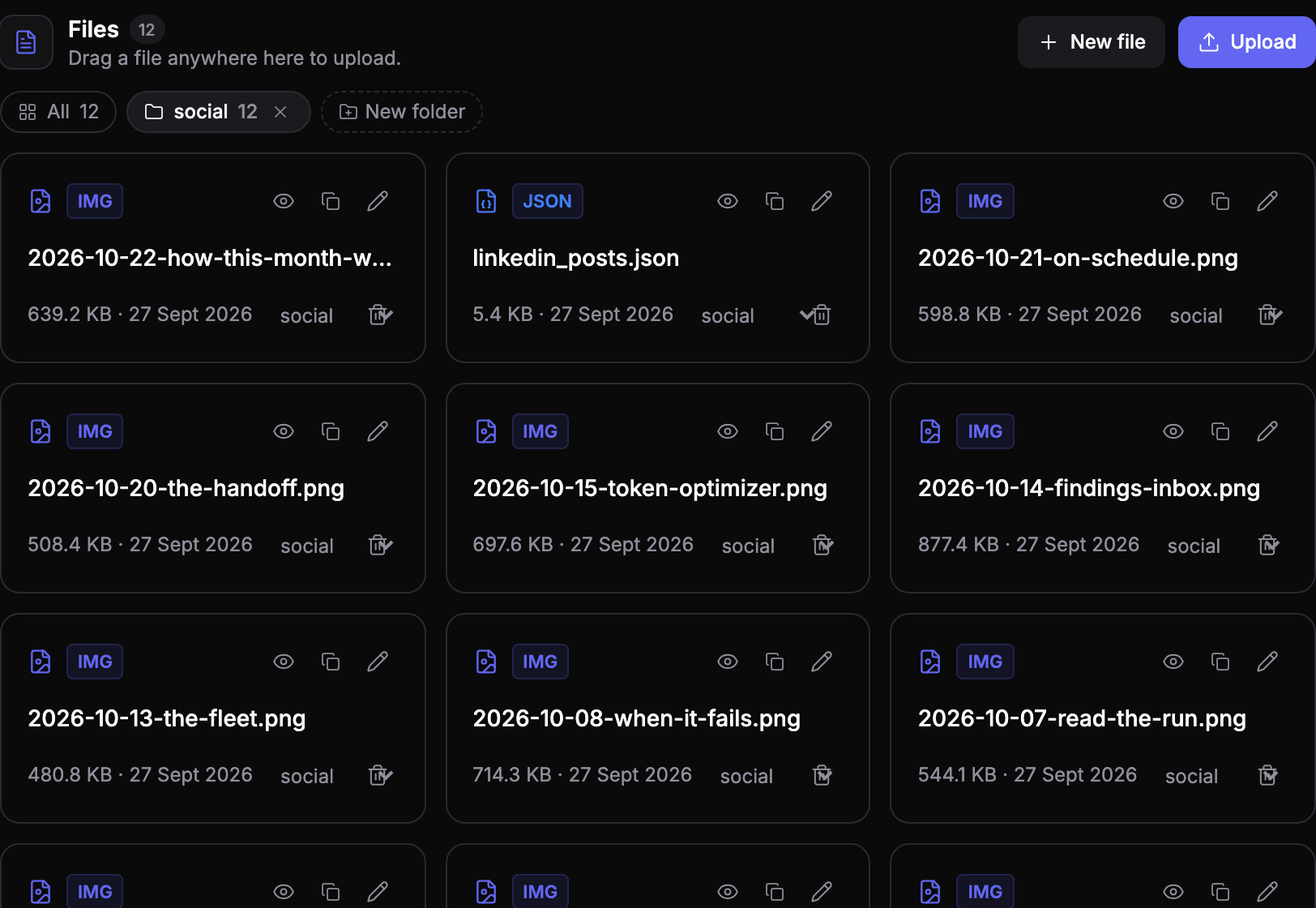
- Social Content runs once a week. It drafts the week's posts for LinkedIn and X, saves them as files in our workspace Resources, and emails them to us to read. It never publishes anything.
- Daily LinkedIn Post runs every weekday. It reads the day's post from that file and prepares to publish it to our company page.
- The publish call waits for approval. The run pauses before anything reaches LinkedIn. Someone reads the exact post and approves or rejects it. Only then does it go out.
Every step is a run we can open and read: what the agent read, what it wrote, who approved it and when.
What went wrong
Approvals nobody answered. An approval expires after 24 hours, and the run ends without posting. Between 18 August and 25 September, 17 of 29 weekday posts expired before anyone decided. The agent did its part every weekday; the posts simply didn't go out. We were asking for a decision every weekday, and that was more than the team would reliably give.
The wrong day's post. One Tuesday the agent published Wednesday's post, and on Wednesday it published it again. Its time tool returned the date without the weekday, and the model worked out the weekday itself and got it wrong. The output of both runs looked fine; the run's steps showed the mistake.
Text only. Every post shared the same link preview. Nothing showed the product.
What we are changing
- Fewer, better posts. Three a week instead of five, so every approval is worth answering.
- Posts keyed by date. Each post in the plan will be stored under its date, so the agent never has to work out what day it is.
- Images. Each post will carry a screenshot from our demo workspace, captured by a script and framed for LinkedIn, and the approval will show the image exactly as it will be posted.
Why we keep the approval
We could remove the gate and the posts would go out every day. We keep it because a company page speaks for the company, and a person should read every word before it does. The fix for expired approvals is to ask for fewer of them, not to stop asking.
Try it on your own channels
The same pattern works for any channel an agent can post to: a drafting agent, a publishing agent, and an approval on the publish call. See how to add human approval to AI agents.
See your own agents like this
AgentOS records every run, pauses risky actions for approval, and tells you when an agent breaks.